AC not turning on? Let’s find where it stops.
Nothing starts. Or air moves indoors, but the outdoor unit stays quiet. Those are different clues—not an automatic replacement diagnosis.
Start with what you can safely observe. We’ll help you separate a setting or normal delay from a problem that needs testing.
For central AC and cooling-mode startup problems. No equipment panels, wiring, or refrigerant connections need to be opened for these homeowner checks.
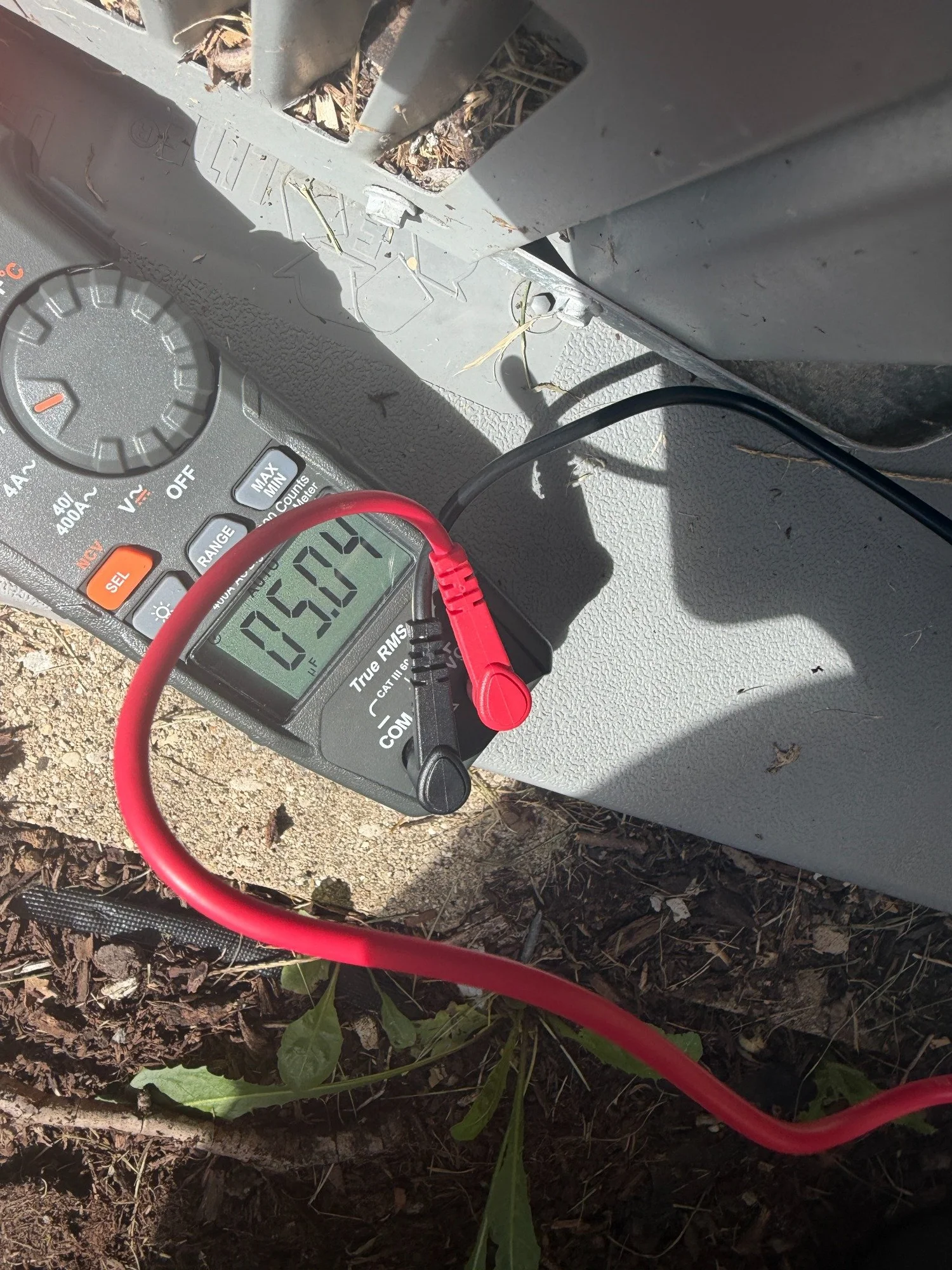
“It won’t turn on” can mean more than one thing.
Choose the closest description from what you have already noticed. You do not need to walk up to running equipment, remove a grille, or repeat a failed start.
Nothing seems to start.
Note whether the thermostat screen is lit, what mode is selected, and whether it shows a message. Tell us whether this followed a power outage, battery change, or recent work.
The blower runs. The outdoor unit doesn’t.
An indoor fan can run while an outdoor power, control, or component problem prevents cooling. The moving air alone does not identify which part needs attention. [10]
The outdoor unit runs, but there’s no indoor airflow.
Turn cooling off at the thermostat and arrange service. A blower problem needs investigation; continuing cooling without proper airflow can contribute to icing. [6]
A click or hum is useful to describe, but it does not prove that a capacitor, motor, or compressor has failed.
A few checks. No tools or open panels.
Start here only when there is no safety concern. Skip anything you cannot safely access. Calling for help does not require finishing this list.
Check the mode and temperature.
Select COOL and a temperature below the room reading. Check for a schedule overriding your setting. Use fan AUTO for this check rather than treating continuous fan operation as proof of cooling. [1][2]
Check batteries only if your model uses them.
A blank screen can involve batteries or a power problem. Follow your model’s instructions for user-replaceable batteries only. Don’t pull on thermostat wires, bridge terminals, or remove equipment panels. [3]
Read any WAIT or blinking cooling message.
Some thermostats pause before restarting the compressor. For example, Honeywell Home’s T6 Pro II uses a five-minute protection delay. Follow your model’s instructions instead of repeatedly changing modes or cycling power. [2][3]
Bring the history—not more testing.
Note any outage, recent service, filter change, error message, or water you can see from a dry, safe location. A photo of the thermostat display can help. Leave service switches, disconnects, and safety devices alone.
What about the furnace switch or access door?
On many central systems, indoor equipment power and a properly closed access door are part of normal cooling operation. [2]
If something was switched off or opened recently, tell us. Do not defeat a door switch or turn a deliberately disabled system back on without knowing why it was left off.
Still no start after the appropriate delay and simple checks? Set cooling to OFF and arrange a diagnosis. There is no need to keep trying to make it start.
Arrange a diagnosisAlready noticed a tripped breaker? Leave it off and tell us. This guide does not ask you to reset it. [1]
Where did the startup sequence stop?
The right question is not “What part usually fails?” It’s “What is preventing this system from doing what it should?”
The cooling request isn’t reaching the equipment.
Settings are only the beginning. A thermostat, control-power, or wiring problem can interrupt the request even when the screen is on. [10]
We follow the signal instead of assuming a blank—or lit—display tells the whole story.
Power isn’t reaching a component.
A tripped breaker, fuse, connection, or switching fault may stop all or part of the system. Indoor and outdoor equipment need to be considered separately. [1]
We look for why power was interrupted before restoring operation.
A protective switch has stopped cooling.
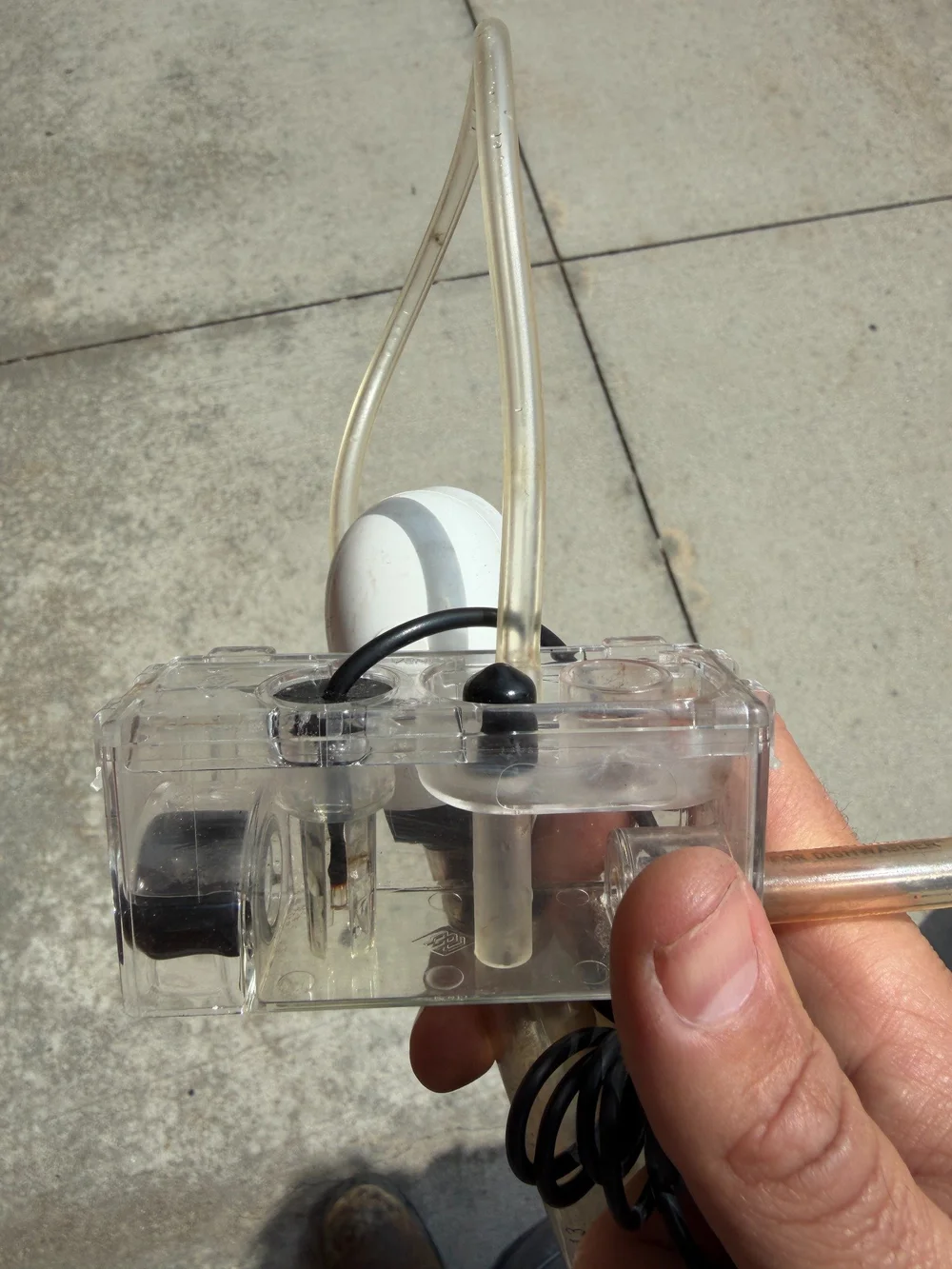
On equipped systems, a condensate overflow switch can stop cooling when a drain backs up. That shutdown may be protecting the home from water damage. [4]
Do not bypass the switch to make the equipment run. The drainage problem needs to be resolved.
A starting or running component needs testing.
Depending on the equipment design, a capacitor, contactor, motor, compressor, or electronic control may be involved. A sound or stationary fan does not settle which one. [5][10]
We use the equipment’s specifications and relevant tests—not a parts-changing guess.
A shutdown is information—not an instruction to override it. We explain what caused it and what needs to happen before normal operation resumes.
You don’t need to force another start.
No response after the safe checks is enough reason to call. Leave internal testing, electrical repairs, and safety-device checks to a qualified technician.
- A breaker has tripped: leave it off for evaluation. Don’t reset it repeatedly or substitute a larger breaker. [1]
- Humming without starting, burning odor, or a new harsh noise: turn cooling off at the thermostat if safely accessible and arrange service. Don’t reach through the grille to push a fan. [5][10]
- Visible ice or no indoor airflow: stop cooling. Leave ice to thaw naturally; don’t chip it or apply heat. [6][9]
Call to discuss availability. An online inquiry is not a confirmed appointment.
OFF at the thermostat is not electrical isolation.
A capacitor can hold a dangerous charge even after equipment power is off. Do not touch, discharge, or test one yourself. [5]
Leave disconnects, wiring, and control compartments to the technician. Do not bridge thermostat terminals, press contactors, or bypass a float or door switch.
What helps us instead: the thermostat display, which parts appeared to run, when it last worked, and what changed before the failure.
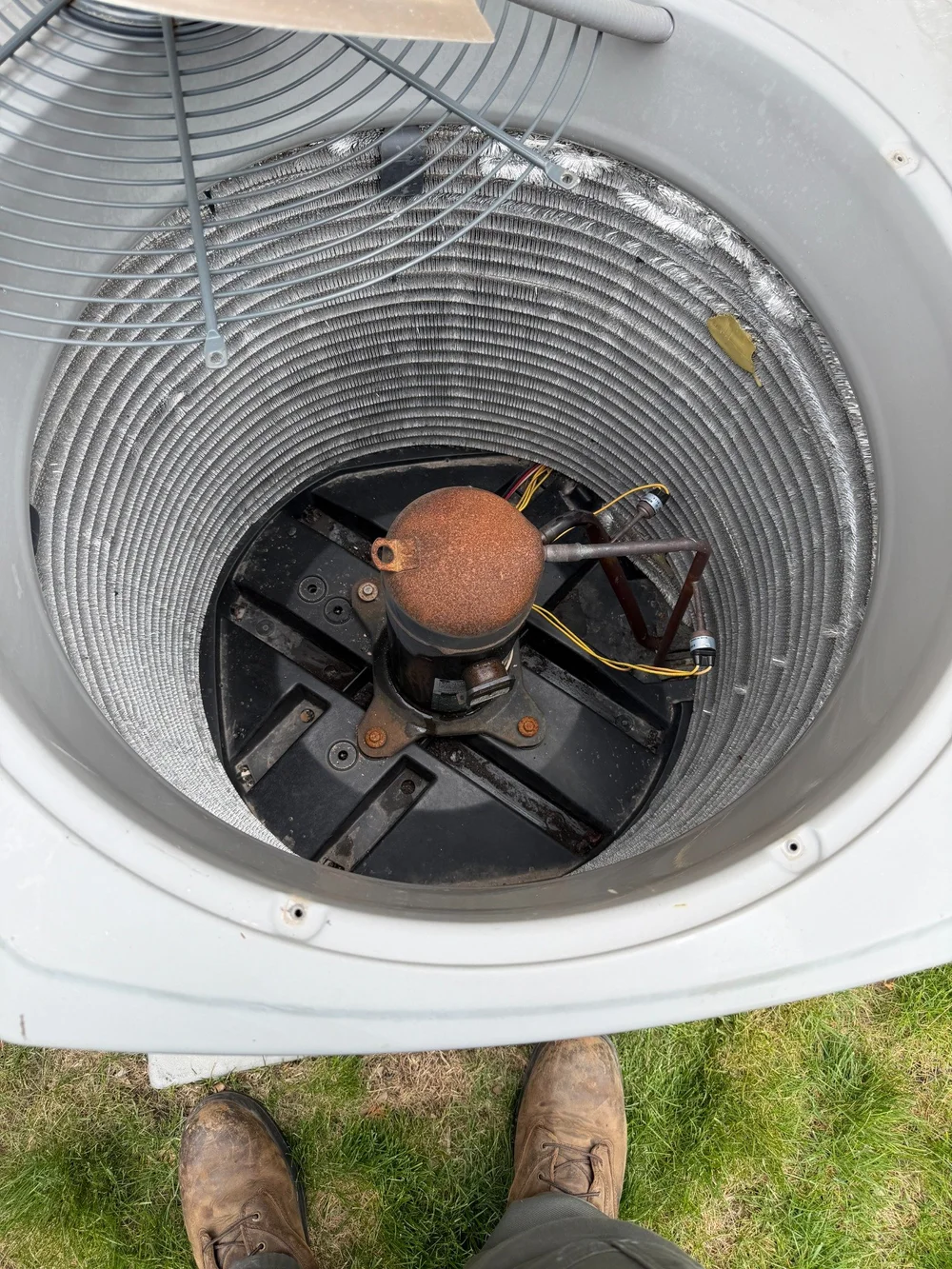
See the component. Understand the finding.
Original photographs from our work. These show things we inspect—not proof that a pictured component failed or that your system needs the same repair.
Find the interruption. Explain the fix.
Follow the sequence.
We start with your description and check how the equipment responds to a cooling request. A power outage and a recurring failed start can call for different questions.
Test before replacing.
We evaluate the relevant power, control, safety, and component conditions. You’ll hear what the findings establish—and anything that still needs checking.
Explain the correction.
We discuss the safe options, scope, and price before additional work. After an authorized repair, we check operation and explain any remaining limitations.
A useful question: “What stopped it from starting?”
The answer should connect the test result to your complaint. We’ll explain that connection instead of using equipment age as the entire reason for replacement.
Understand what the symptom does—and doesn’t—tell you.
Does a blank thermostat mean I need a new one?
Not necessarily. Battery-powered models may need batteries; other models rely on equipment power. Use your model’s instructions for accessible battery replacement and leave wiring tests to a technician. [3]
Can a clogged drain really stop the AC?
Yes, when an installed condensate safety switch interrupts operation in response to backed-up water. Not every system has the same protection or wiring arrangement. Do not bypass the switch; arrange a drainage and operation check. [4]
How long should I wait when COOL ON is flashing?
Follow the thermostat’s instructions. On the Honeywell Home T6 Pro II, a flashing cooling indication can be the five-minute compressor protection delay. Other models may behave differently. A persistent message after the specified delay deserves evaluation, not repeated power cycling. [3]
Is a humming outdoor unit definitely a bad capacitor?
No. A capacitor is one possible cause, but the motor, power supply, and controls also need consideration. Sound alone is not a component test. Stop cooling if it hums without starting and leave electrical work to a technician. [5]
Does a no-start problem mean the whole system is finished?
Not in our approach. We first identify the failure and explain whether a safe, sensible repair is available. You’ll hear the reasons, costs, and limits before deciding whether repair or replacement makes sense.
Sources behind this guide
Manufacturer, public-agency, and electrical-safety references. Your equipment’s instructions and an on-site evaluation still matter. Links open in a new tab.
- Trane: AC startup problems, power, and tripped breakers
- Honeywell Home: cooling mode, thermostat demand, and delay indicators
- Honeywell Home T6 Pro II: batteries, blank display, and compressor protection delay
- RectorSeal: condensate overflow switches and protective shutdowns
- Carrier: fan problems and stored capacitor charge
- Trane: indoor blower problems and when to switch the system off
- Electrical Safety Foundation: water-damaged electrical equipment
- U.S. Fire Administration: get outside and call 911
- Carrier: frozen AC coils and safe thawing
- Carrier: startup faults, motors, controls, and warning signs
Let’s find out what’s keeping it off.
Tell us what you noticed and what you checked. We’ll help arrange the right visit and explain the findings before recommending work.